Small Habits Can Make a Big Difference
The internet makes everyday life easier. We use it to pay bills, speak with family, shop, work, learn, and store personal memories. Yet one careless click can expose an account, a password, or private information.
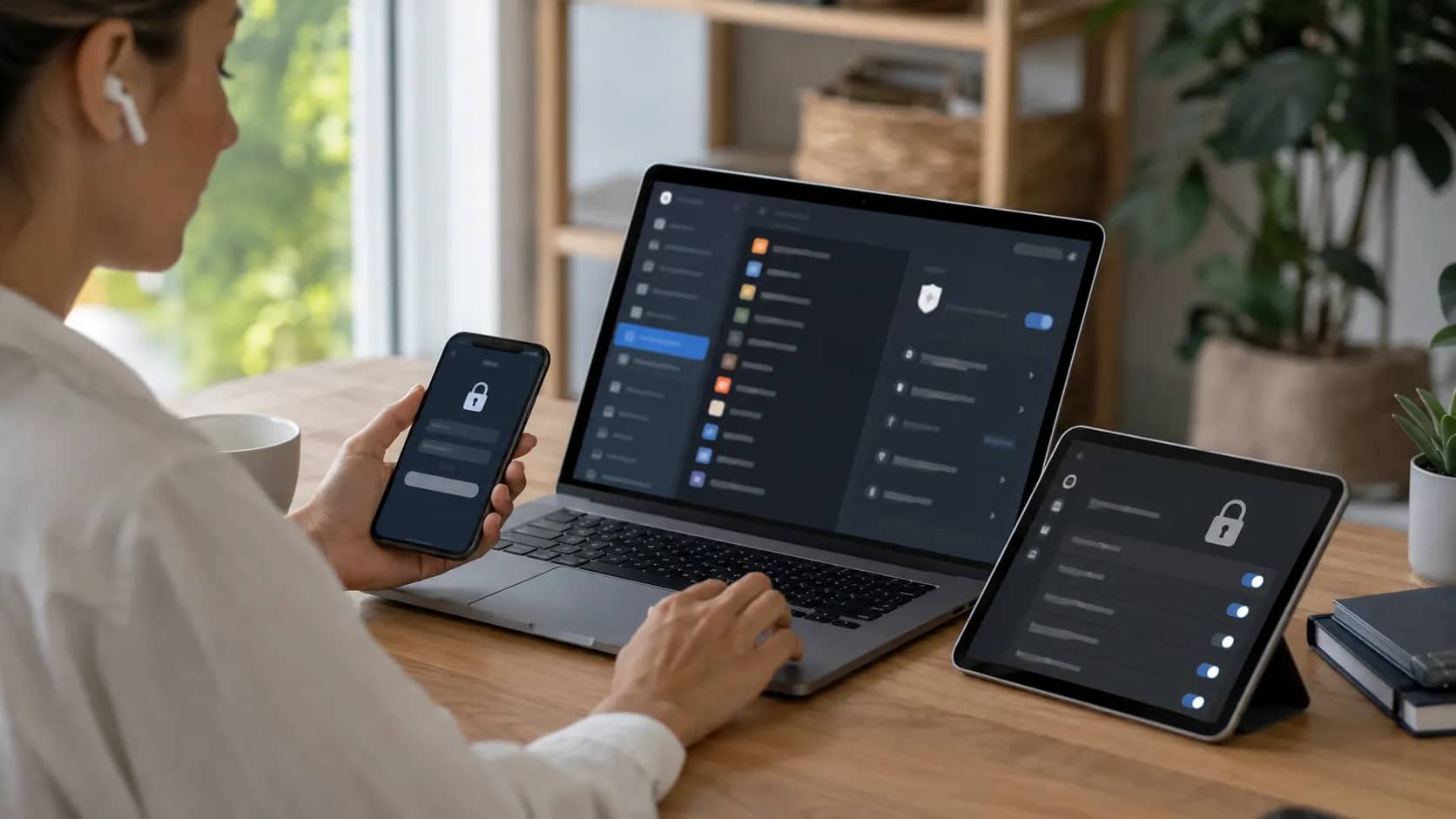
Online safety does not require advanced technical knowledge. Most people can protect themselves by developing a few simple habits and using the security features already available on their devices.
Begin With Your Most Important Accounts
Start by protecting the accounts that could cause the most damage if someone gained access.
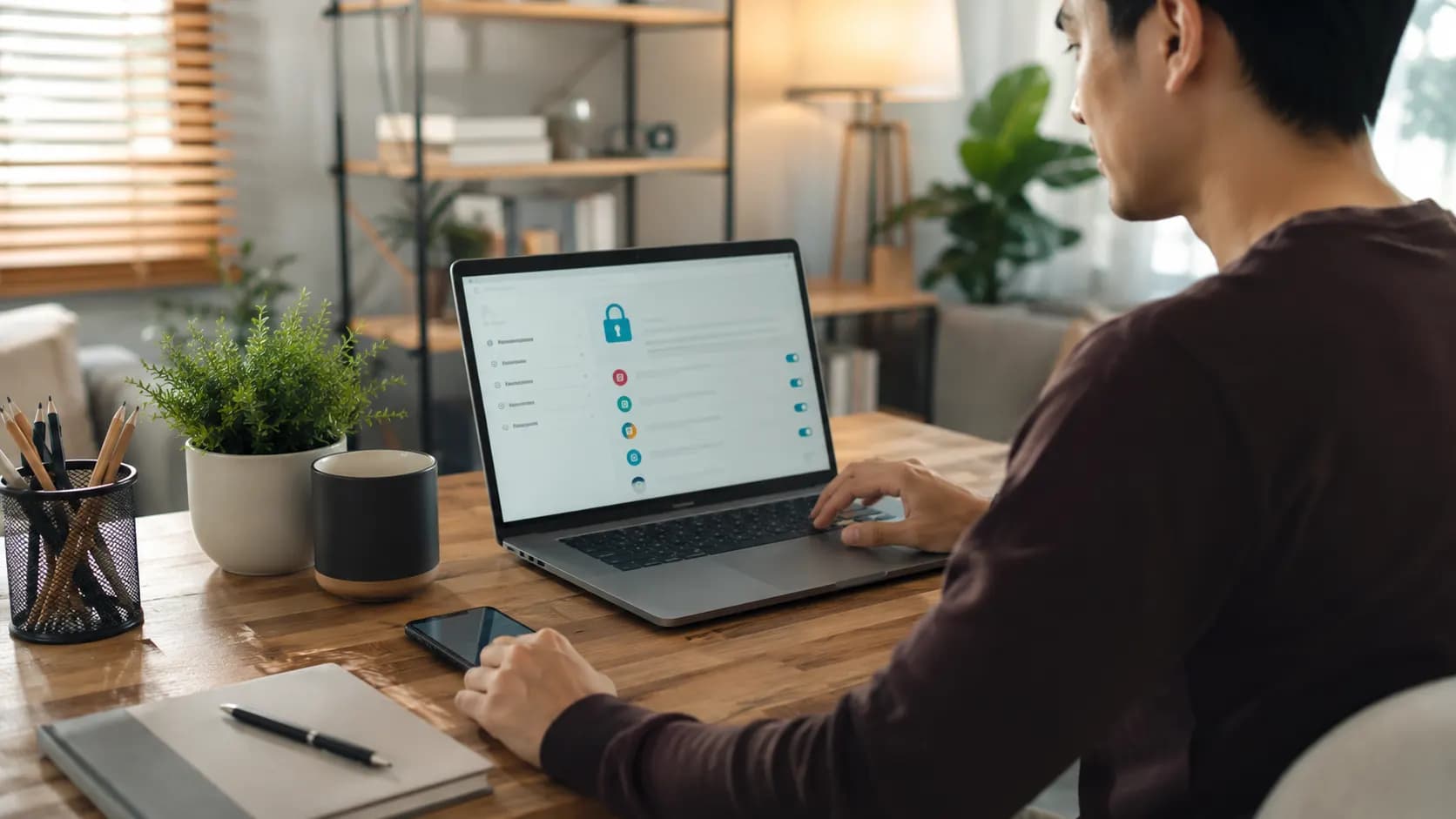
Your email account should be near the top of the list. It is often connected to your banking, shopping, social media, cloud storage, and password recovery options. Someone who enters your email may be able to reset passwords for several other services.
Secure your email first, followed by banking, payment, social media, and cloud storage accounts.
Use Long and Unique Passwords
Using the same password everywhere feels convenient until one website suffers a data breach. A criminal who obtains that password may try it on your email, social media, and financial accounts.
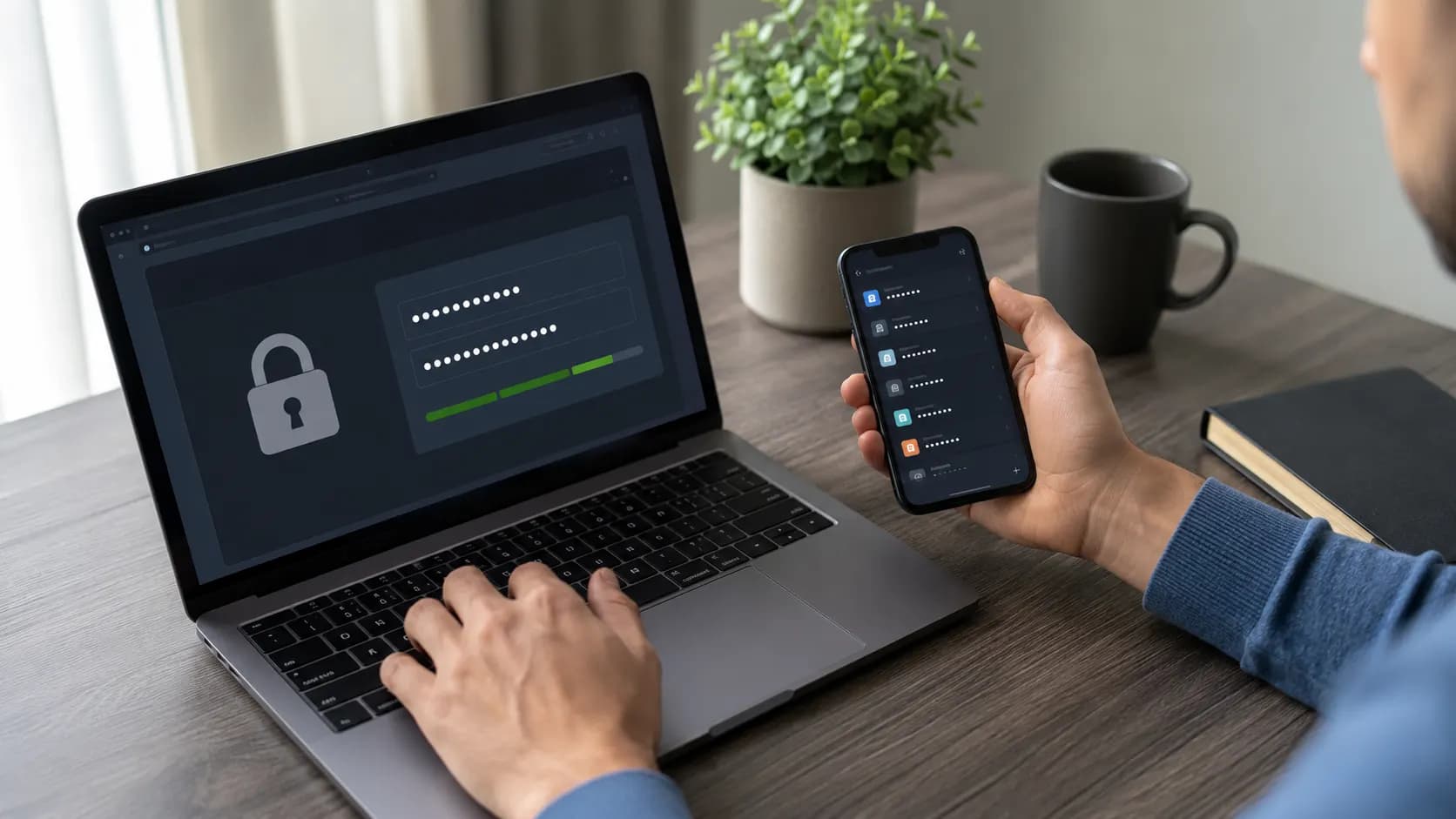
Give every important account a different password. A password manager can create and store complex passwords, which means you do not have to remember all of them.
NIST recommends using a password manager and choosing a password of at least 15 characters when you need to create one yourself. A memorable phrase can be easier to manage than a short collection of random characters.
Avoid using names, birthdays, phone numbers, or familiar phrases that another person could guess.
Turn On Two Factor Authentication
Two factor authentication asks for another form of verification after your password. This may be a code from an authentication app, a notification on your phone, a security key, or a passkey.
It creates another barrier between your account and someone who has obtained your password. The FTC and NIST recommend enabling this protection, especially for email, financial accounts, and other sensitive services.
Check the security settings of your main accounts. The option may be called two factor authentication, multifactor authentication, or two step verification.
Pause Before Opening Unexpected Links
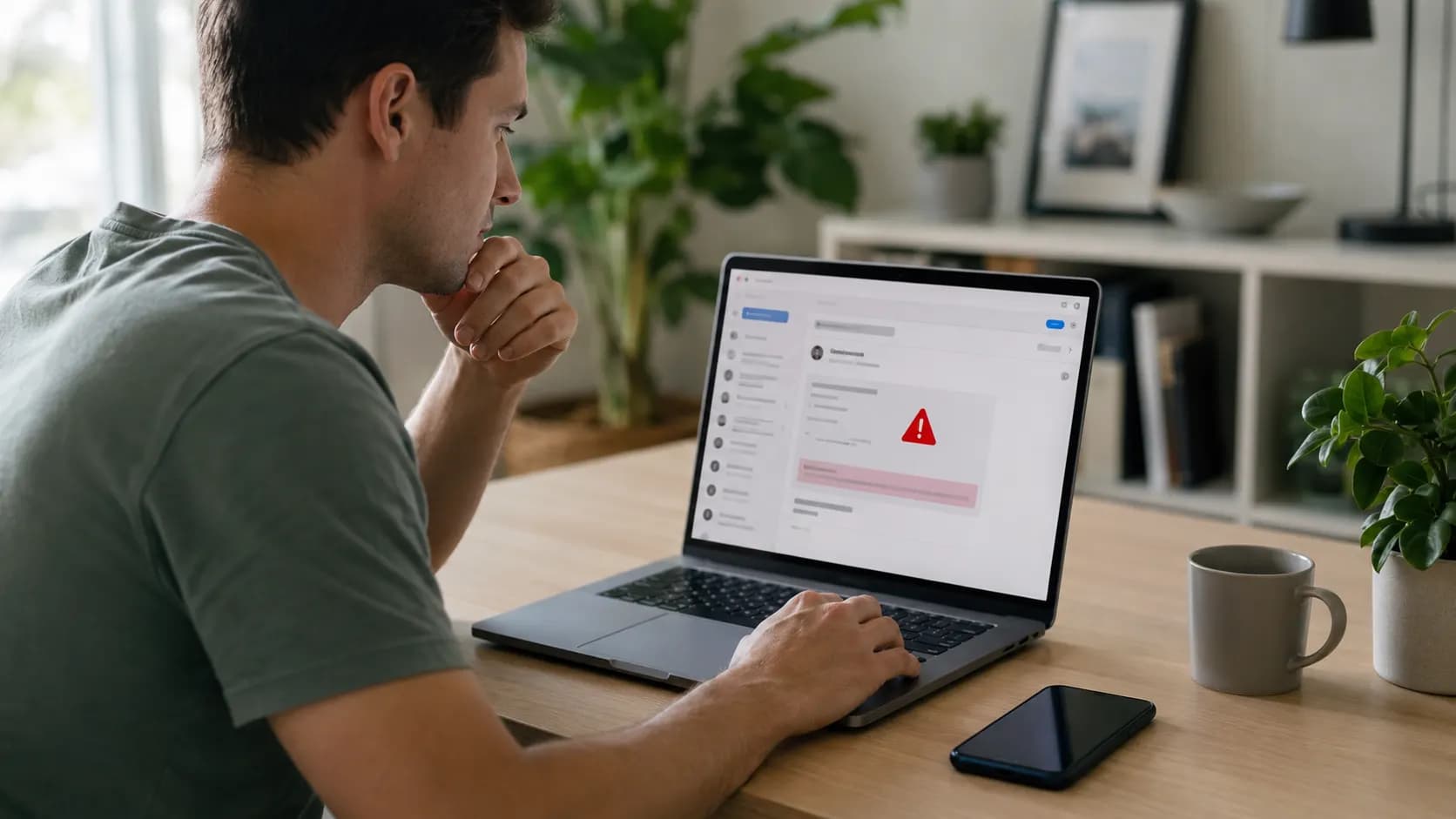
Many online scams rely on urgency. A message may claim that your account will be closed, a delivery has failed, or a payment needs immediate attention.
Take a moment before clicking.
Check the sender carefully. Look for unusual spelling, unexpected attachments, strange web addresses, and requests for passwords or payment details. The FTC warns that phishing messages commonly attempt to steal passwords, account numbers, and other personal information.
Keep reading
How to Store Files Safely Online Without Losing Them
When a message appears to come from your bank or another important company, open its official app or type its website address yourself. Do not use the link in the message.
Keep Your Devices Updated
Updates are not only about new features. They often repair security weaknesses in operating systems, browsers, and apps.
Turn on automatic updates when possible. Update your phone, laptop, browser, security software, and commonly used applications.
Old apps that you no longer use should be removed. Every forgotten account or application creates another place where information could be exposed.
Share Less Personal Information
Small details can reveal more than expected. A birthday post, workplace photograph, home location, school name, or travel announcement may help someone build a detailed picture of your life.
Review who can see your posts. Avoid sharing identification documents, payment information, travel tickets, private addresses, or security codes.
Before posting, imagine the content being viewed by a stranger. That simple pause prevents many uncomfortable mistakes.
Review App Permissions
A basic game or photo editing app may request access to your location, contacts, camera, microphone, or files. Some permissions are necessary. Others have little connection to what the app does.
Open your phone settings and review permissions occasionally. Remove access that an app does not need, and delete apps you no longer trust or use.
Download software from official app stores or the developer’s official website rather than an unfamiliar link.
Know What to Do After a Problem
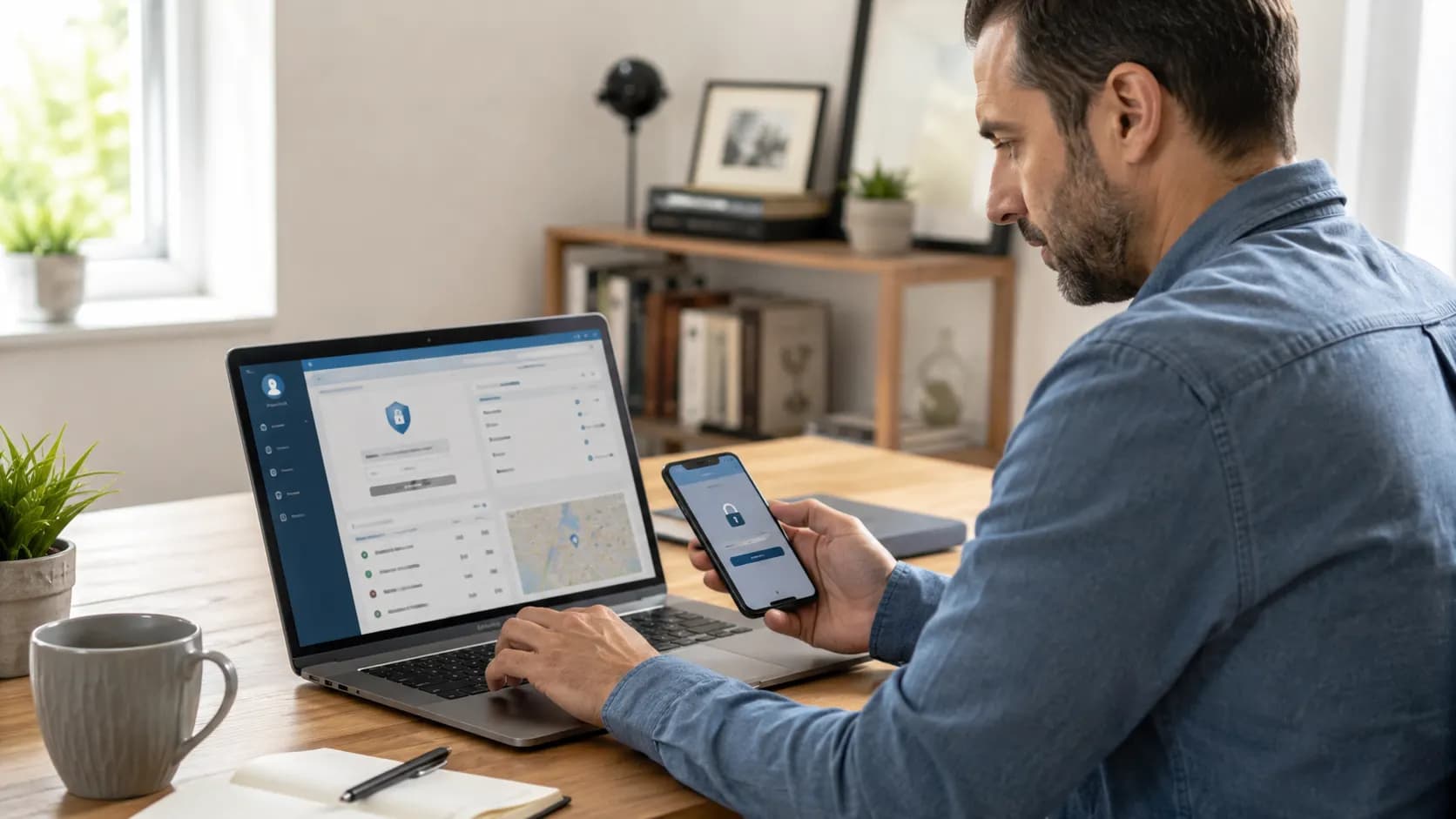
Anyone can make a mistake. The important part is responding quickly.
Change the affected password immediately and change it anywhere else you reused it. Sign out of unknown devices, enable two factor authentication, and check account activity.
Contact your bank quickly if money or payment information may be involved. Tell friends when your social account has been taken over, since the attacker may send scam messages using your name.
Reference notes
Sources and further reading
Our editorial promise
Prepared with clarity and care.
This guide completed our editorial review before publishing. If something needs attention, report a correction or contact the publisher.
About this article
- Published:
- Last updated:
- Author:
- Ceyora Editorial Team
- Review status:
- Editorially reviewed
- Sources:
- 5
- Corrections:
- Report an issue